04
justDAW
2026 · Music software · In progress
- Role
- Author — design, engineering
- Medium
- Music software
- Status
- In progress
- Year
- 2026
Most music software keeps the song in a file only it can read, and trusts every plug-in with the whole session. When either goes wrong, the work goes with it.
justDAW saves a project as a folder around one readable JSON manifest, its keys in a fixed order, so two versions diff cleanly and a damaged one can be mended by hand. Saves are atomic, a format upgrade backs up the old file first, and an instrument that is not installed keeps its settings until it is. Plug-ins are scanned in a separate process: a bad one is quarantined instead of taking the app down.
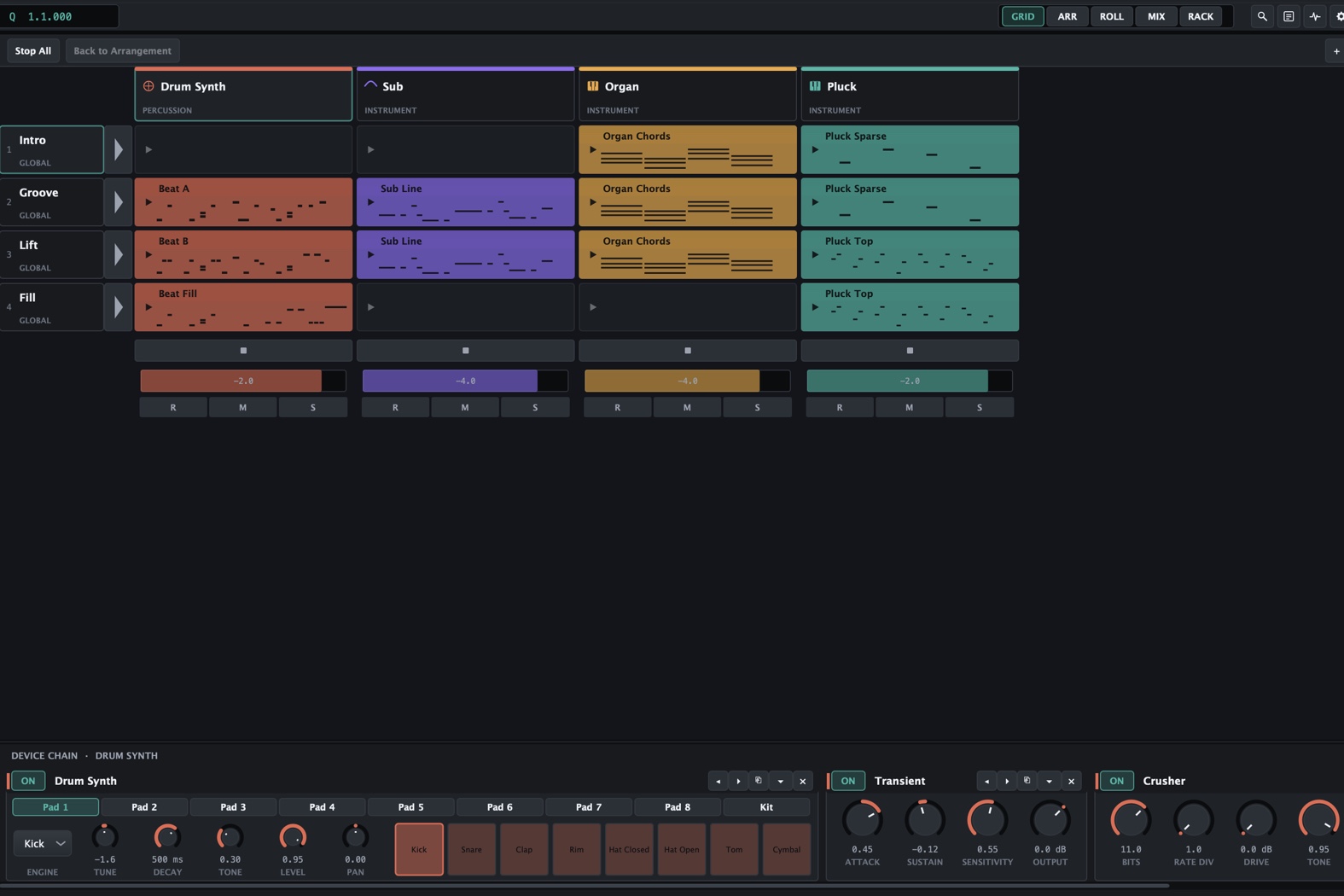
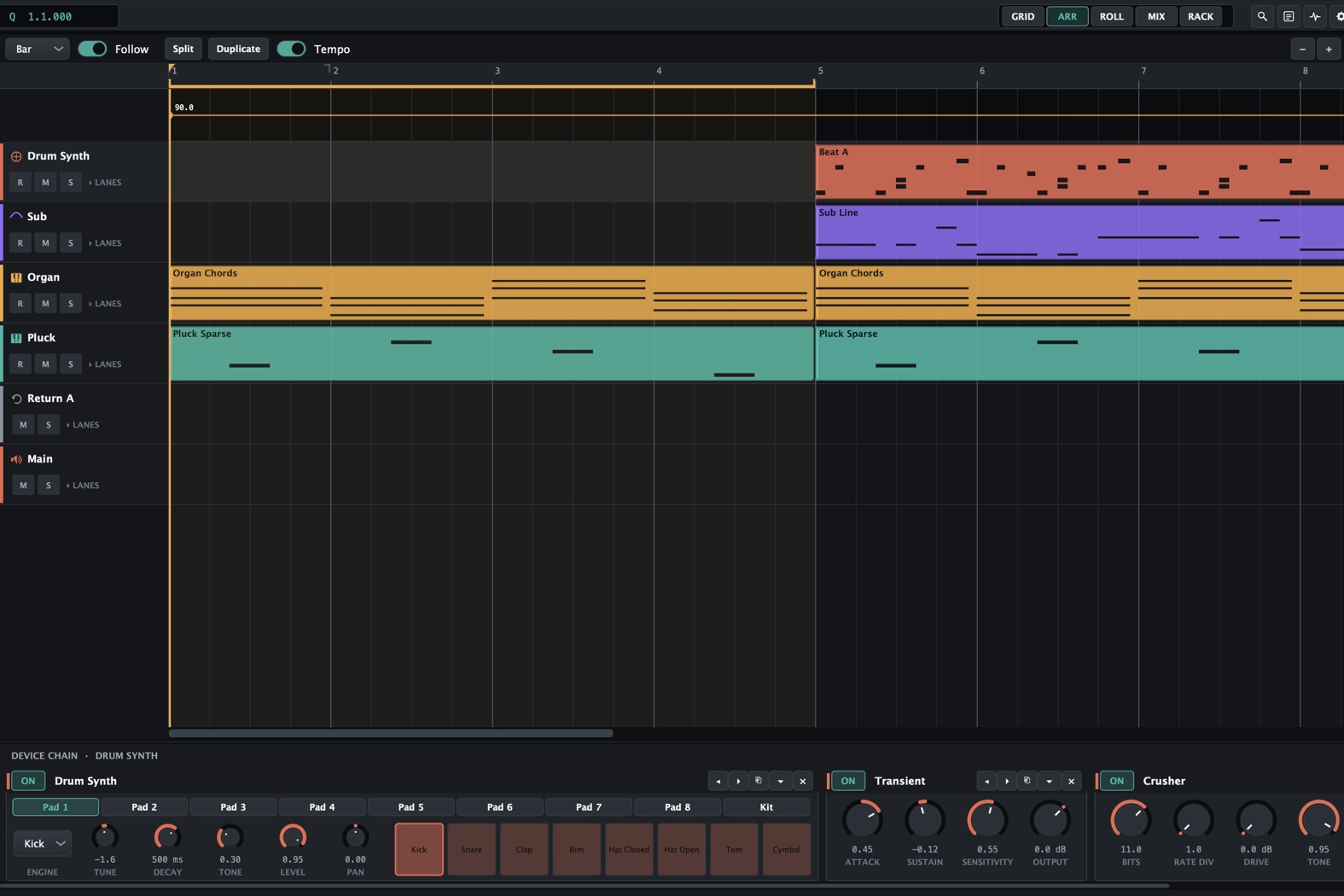
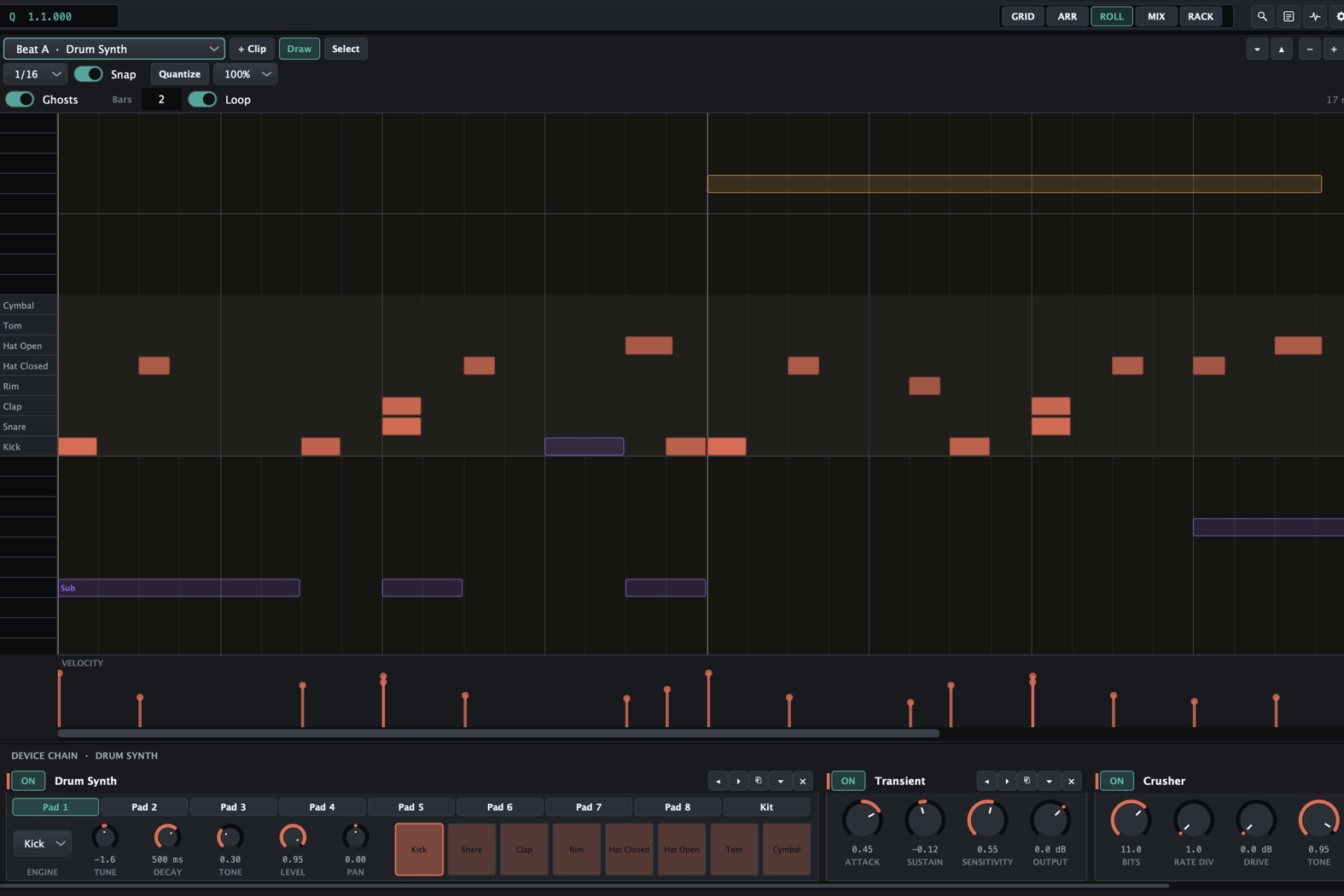
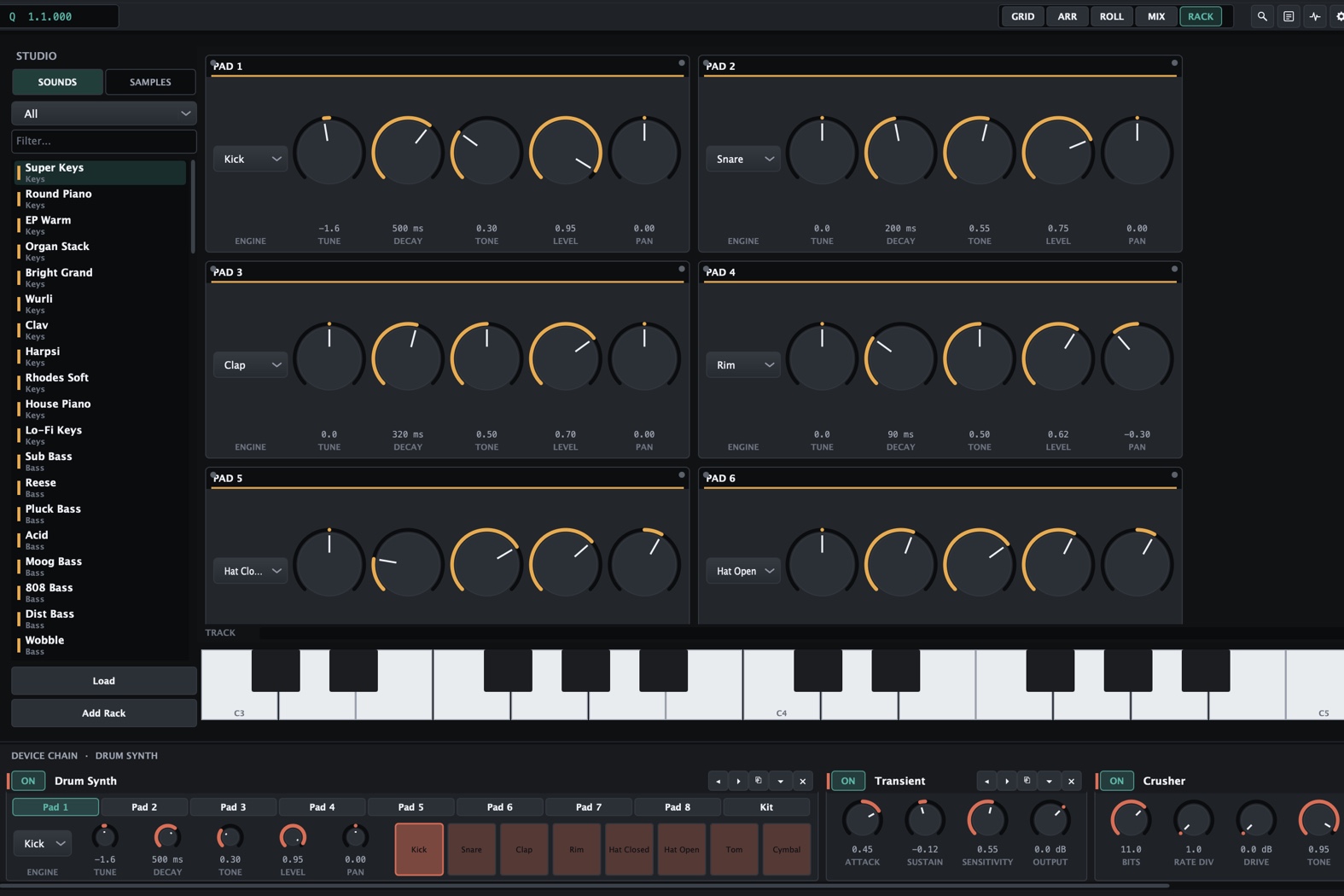
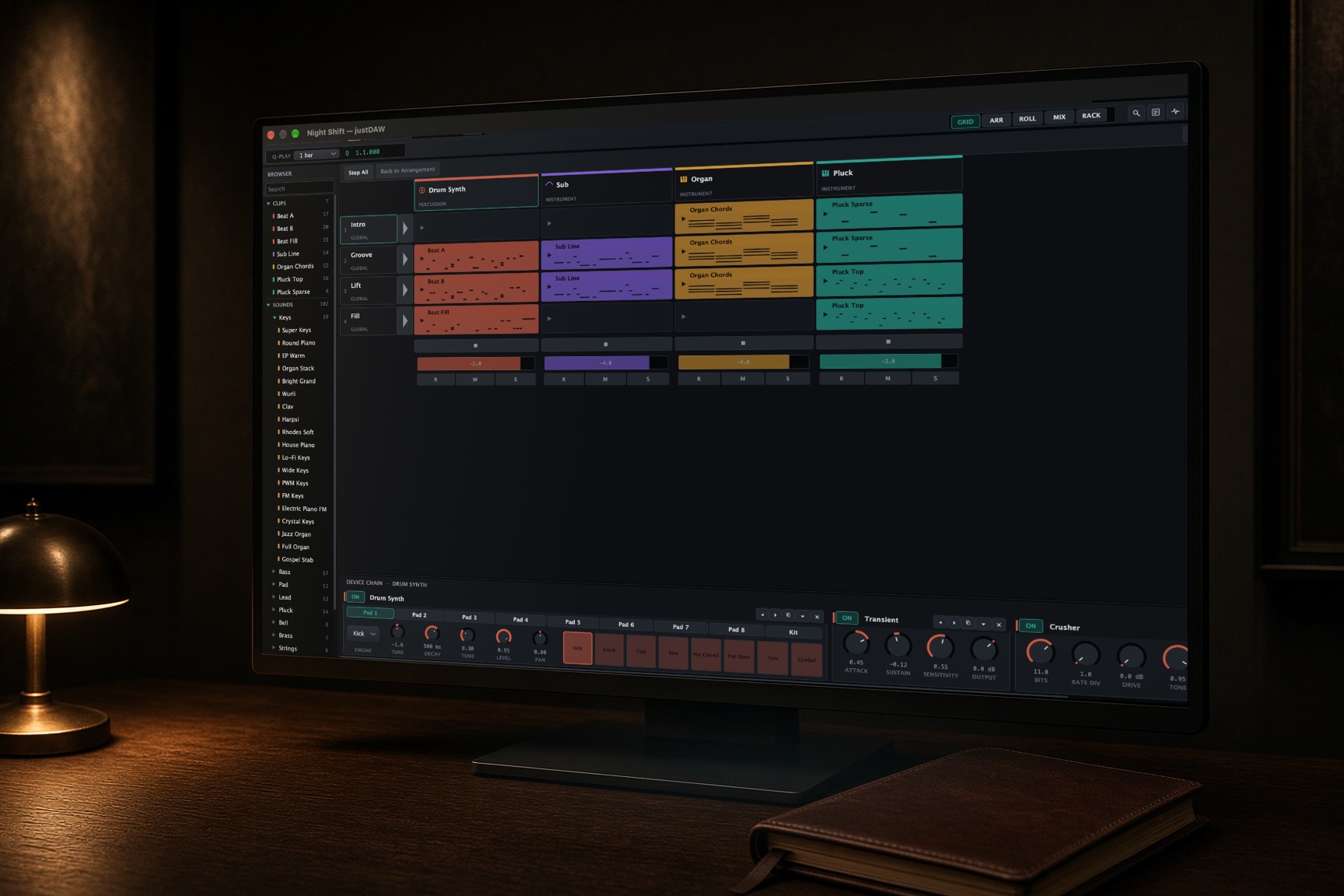
Underneath, a performance grid and a timeline share one engine, and Tab flips between them. Twenty built-in instruments and effects, warping, take comping, VST3 and Audio Unit hosting, hardware MIDI out and clock. The audio thread never allocates, and debug builds check. The same engine renders a whole project to WAV from the command line, with no window open. Pre-1.0 and on macOS; Windows and Linux are written for, not yet built.
Stack
- C++20
- JUCE 8
- CMake
- Catch2
From the work